
Revolutionize Your Drupal Development: Introducing AVA AI for Effortless Views Creation
Drupal's Views module is undeniably one of its most powerful features. It allows site builders to display lists, tables, and grids of content in almost any conceivable way. However, for newcomers and even experienced developers, mastering the intricate Views UI can be a time-consuming journey of clicks, configurations, and occasional head-scratching.
What if you could simply tell Drupal what kind of view you want, and it just… created it?
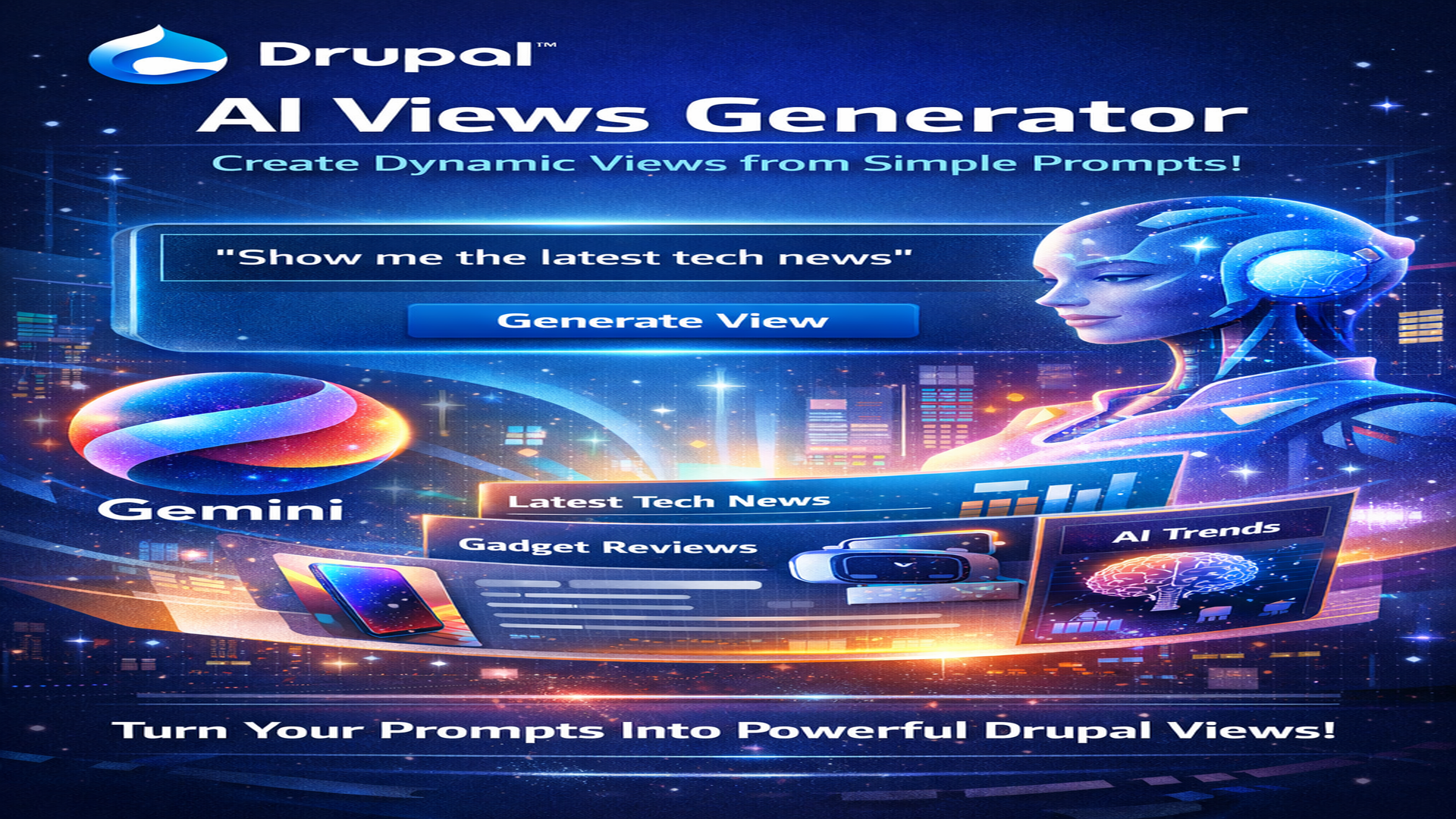
Introducing AVA AI, a groundbreaking Drupal module that bridges the gap between natural language and complex configuration. Powered by Google Gemini AI, AVA AI allows you to generate robust Drupal Views by simply typing a description of what you need.
What Solution Does AVA AI Provide?
AVA AI solves the "blank slate" and "configuration fatigue" problems inherent in Drupal Views. Instead of navigating dozens of settings fields, you articulate your desired view in plain English. AVA AI then translates your intent into a fully functional views.view.yml configuration entity, ready to be deployed on your site.
This means:
Faster Development: Rapidly prototype and create views for pages, blocks, and feeds.
Reduced Learning Curve: New Drupal users can leverage the power of Views without deep UI knowledge.
Consistent Configuration: The AI follows a strict schema, ensuring valid and well-structured YAML.
The Merits of AVA AI
Speed and Efficiency: Imagine creating a complex content listing in seconds rather than minutes. This is a game-changer for project timelines and agile development.
Accessibility for All: It lowers the barrier to entry for content managers and junior developers who might be intimidated by the Views UI. They can focus on what they want to display, not how to configure it.
Reduced Errors: The AI adheres to a predefined, validated YAML schema, significantly reducing the chance of misconfigurations that can lead to broken displays or errors.
Security Built-In: AVA AI includes hardcoded security guardrails, preventing the generation of views on sensitive tables like
users_field_dataorsessions, ensuring your site's integrity.Focus on Intent, Not Mechanics: Developers can spend less time on repetitive configuration tasks and more time on custom logic, unique features, and overall user experience.
Installation
Getting AVA AI up and running is straightforward:
Download the Module: Place the
avamodule in yourmodules/contribdirectory.Enable the Module:
Bash
drush en avaAlternatively, enable it via the Drupal admin UI under Extend.
Composer Dependencies (if applicable): Ensure all Composer dependencies are met (though core's Symfony YAML is typically sufficient).
Usage
Once installed, there are two key steps to using AVA AI:
Step 1: Configure Your AI Settings
Navigate to Configuration > AVA AI > AVA AI Settings (
/admin/config/ava/settings).Google Gemini API Key: Enter your valid API key obtained from
Google AI Studio AI Model: Select the Gemini AI model you wish to use (e.g.,
gemini-1.5-flash).System Prompt: Review and customize the "System Prompt." This is the underlying instruction set that guides the AI on how to generate Drupal Views YAML. It contains the rules for field mapping, display types, and security.
Save Configuration: Don't forget to save your changes!
Step 2: Generate Your View
Go to Configuration > AVA AI > AI View Generator (
/admin/config/ava/generator).Enter Your Prompt: In the provided text area, describe the view you want to create. Be specific about:
Content Type: (e.g., "Articles," "Pages," "Products")
Display Type: (e.g., "Page," "Block")
Layout Style: (e.g., "Table," "Grid," "Unformatted List")
Fields: (e.g., "Title, Body, Image only machine names")
Limits/Sorting: (e.g., "latest 5," "sorted by date descending")
Path (for Pages): (e.g., "at path /my-custom-path")
Example Prompt:
Create a Table view named Admin Page List as a Page with path admin-pages showing 20 recent Basic Page nodesCreate a grid of the 4 most recent Articles with title,body,field_image.
Create a page view of Articles named 'News Feed' at the path /news-feed showing the latest 10 items, including fields title, body, and field_image.Generate: Click the "Generate View" button.
Review and Save: AVA AI will display the generated YAML configuration. Carefully review it. If it looks correct, click "Save View" to import it directly into your Drupal site.
Manage: Your new view will now appear under Structure > Views in the standard Drupal administration interface, ready for any further refinements.
Conclusion
AVA AI is more than just a convenience; it's a paradigm shift in how we interact with Drupal's powerful Views module. By embracing natural language, it empowers developers and site builders to accelerate their workflow, reduce errors, and focus on delivering content effectively. Give AVA AI a try and experience the future of Drupal development!
Check it out on Drupal.org:
https://www.drupal.org/project/ava
- Log in to post comments